A branded share link your clients open in the browser.
Stop sending Dropbox links. Send your clients a branded share link with your logo, your colours, and every deliverable they need — viewable in any browser, no software required.
How sharing works
From files on a site to a client exploring them — one link in between.
Your delivery process is letting your work down
You spend days capturing data. The delivery should match the quality of what you've built.
A WeTransfer link says you're a freelancer.
Generic file-sharing tools strip away your professional identity. Your client can't tell the difference between your delivery and someone emailing a USB.
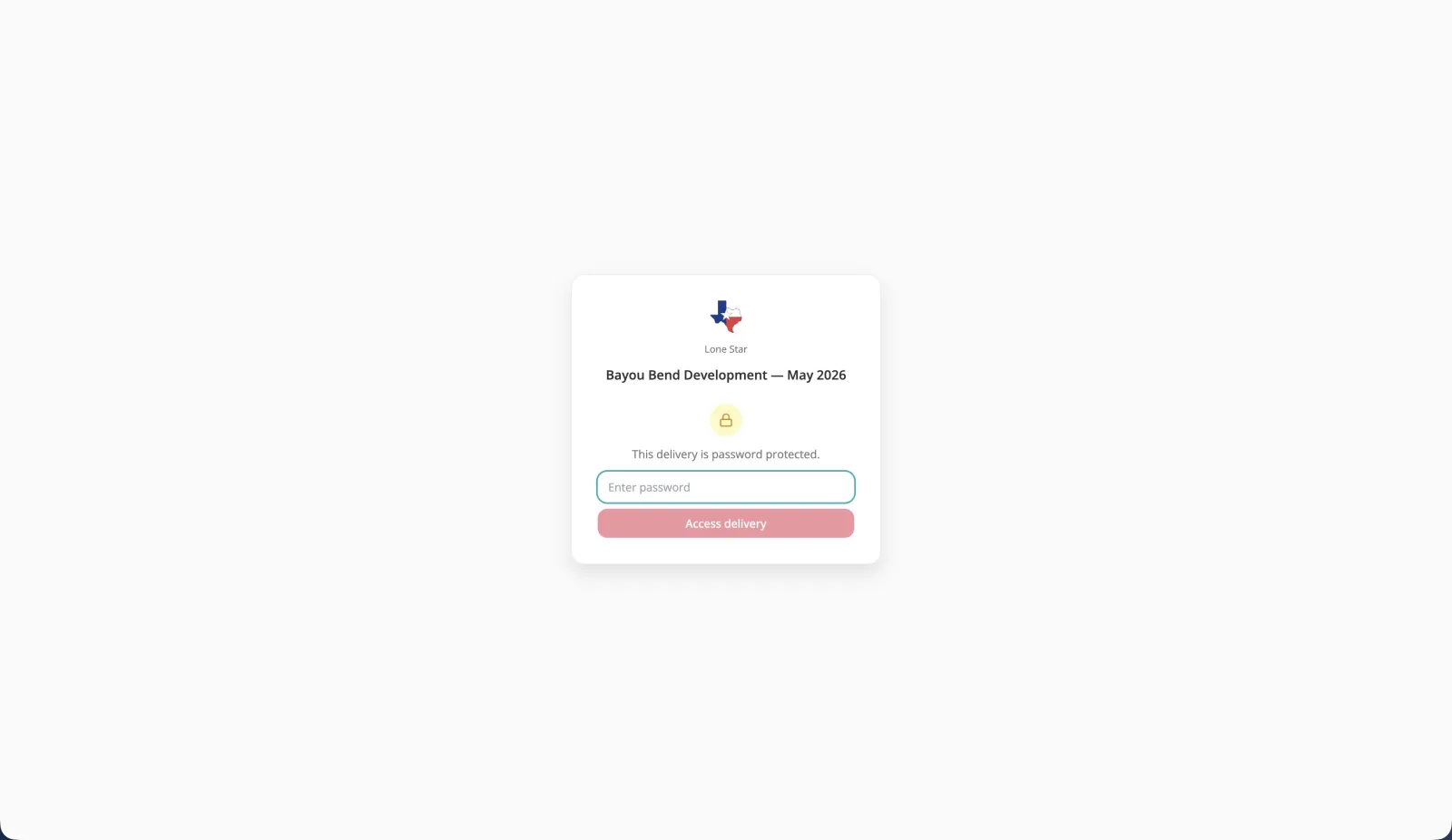
Your logo. Your colours. A share link that says you're a professional operation.
Your client opens a link bearing your brand and sees a professional layout of every deliverable. First impression matches the quality of your fieldwork.
You have no idea if the client opened the files.
Dropbox doesn't tell you if your client opened the link, which files they looked at, or whether they downloaded anything. When disputes arise, you have no proof.
View events, dwell time, download events — all logged in your dashboard.
See exactly when your client opened the share link, which files they viewed, how long they spent, and what they downloaded. Proof of delivery on every project.
Your client calls asking what software to open the LAZ file with.
You send LAS, E57, GeoTIFF. Your client downloads them and has no idea what to do. They email you. Every time. It undermines confidence in your delivery.
Everything opens in the browser. No software, no confusion, no support calls.
Point clouds, GeoTIFFs, drone video, 3D models, PDFs — every format renders in-browser. Your client clicks and sees it. No install, no email, no call.

Everything a professional delivery needs
The share link is purpose-built for spatial data — not a generic file-sharing tool with a logo slapped on.
Custom branding
Your logo and accent colour on every share link. On Enterprise, custom domain — no Swyvl branding anywhere your client can see.
All file types
Point clouds, GeoTIFFs, drone video, 3D models, Gaussian Splats, PDFs — every format viewable in one share link. No specialist software.
Access control
View-only or view+download. Password protection on every plan, enforced server-side. Revoke or change access at any time, even after you've sent the link.
Audit trail
Every view logged — timestamp, browser, device, IP. Full compliance-grade audit log available for export.
Analytics
View count, unique viewers, download count, last viewed timestamp. Know exactly when clients engage with your delivery.
Include future uploads
Toggle lets new files auto-appear in an existing share link — no new link needed. Add supplementary data after handover without resending anything.
Map-first delivery
Your client lands on an interactive site map — photo pins, GPX tracks, and a live layer panel to toggle content on and off. Use your own ortho or site plan as the base map.
Editable after sharing
Change who can access — public, password, or invited — which files are included, and whether future uploads appear, any time after creation. View the set password whenever you need to resend it.
How it works
Upload your deliverables
Any format, any size. Swyvl detects each file and opens it in the right viewer automatically.
Configure your share link
Add your branding, a header message, and access settings. Takes under two minutes.
Share one link
Client opens it in any browser. You track engagement in real time from your dashboard.
Your next delivery shouldn't come from Dropbox.
Free to start. No credit card required.
Delivering point clouds specifically? See the point cloud sharing platform — or inspect a file first with the free viewers.
Frequently asked questions
Everything clients and surveyors ask about share links before switching from Dropbox.